
Identity Layers
Anonymous credentials, JWT identity proofs, and passport verification.
The previous section covered authentication — how passkeys secure accounts and sign transactions. This section explains how Apertrue layers identity on top of authentication: anonymous credentials for rate-limited access, organisation verification via work email, and passport verification via NFC.
Each layer is independent and optional. A user can remain fully anonymous (passkey only), verify their organisation (proves they work at a specific domain), verify their personhood (proves they hold a real passport), or combine all three. Identity layers are never required for uploads — they add trust signals that the user can optionally disclose.
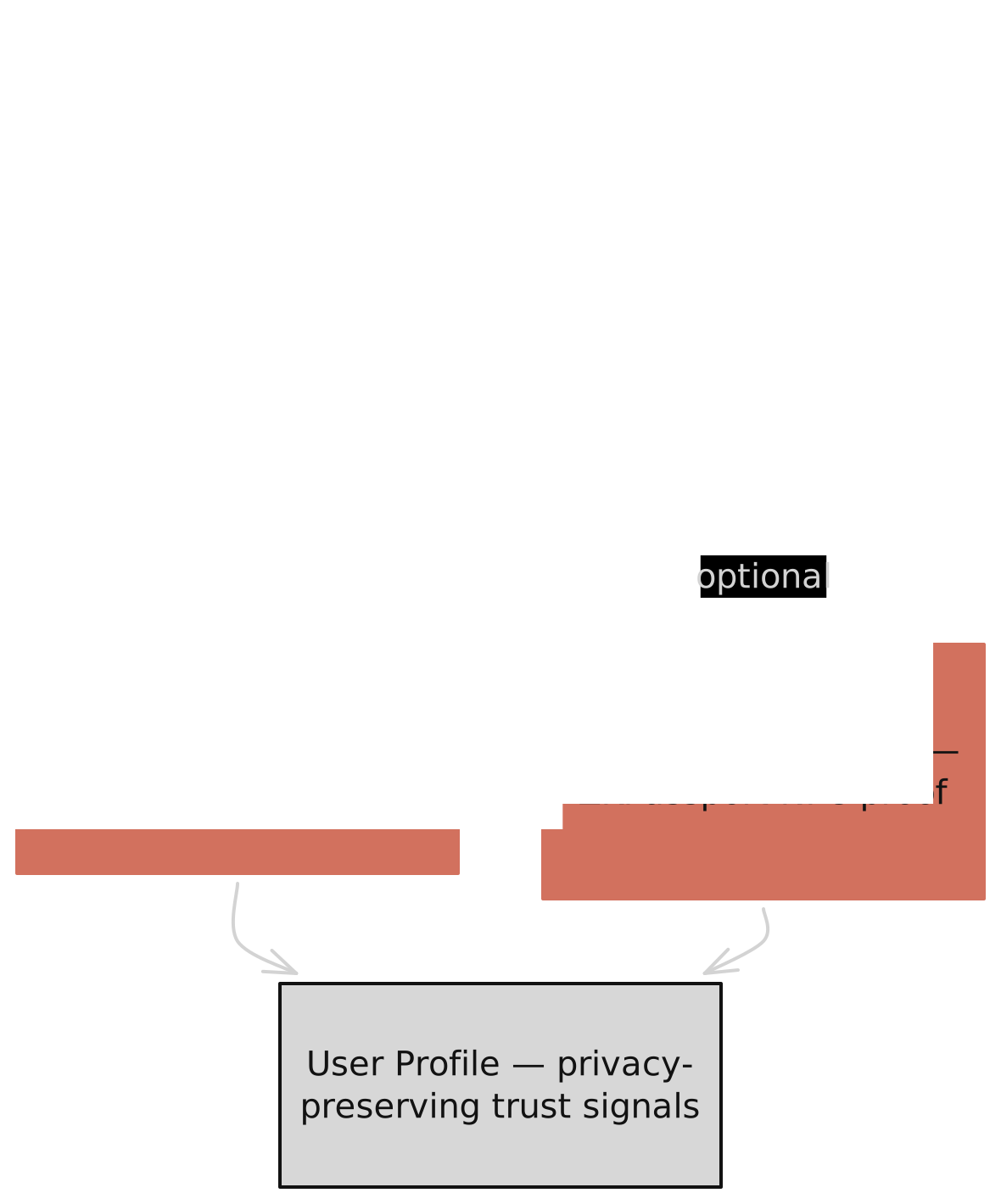
Anonymous credentials
Every registered user gets an anonymous credential — a way to prove "I am a registered Apertrue user" without revealing which user. This is a Semaphore-style system built on noir-edwards (an open-source Noir library for Baby Jubjub elliptic curve operations) and zk-kit.noir (by Privacy & Scaling Explorations) for Poseidon2 hashing and binary Merkle tree verification.
Credential derivation
The credential secret is derived deterministically from the Aztec secret key:
The commitment is a one-way hash of the public key. It is the only value shared with the backend during registration. The secret key, public key coordinates, and Aztec secret never leave the browser.
Registration
Before registering, the user generates a proof-of-knowledge: a ZK proof that they know the secret behind the declared commitment. This prevents an attacker from registering someone else's commitment. The backend verifies the proof, inserts the commitment into a Merkle tree, and returns the leaf index and Merkle path.
Membership proofs
After registration, the user can prove membership without revealing their commitment:
- Scope computation. Each proof has a scope — a hash of the action type (e.g., "upload"), the current epoch day, and a slot counter. Different scopes produce different nullifiers, enabling rate limiting.
- Merkle verification. The circuit verifies the user's commitment is in the Merkle tree using the cached path and root. This proves membership without revealing the leaf position.
- Nullifier generation.
nullifier = Poseidon2([hashed_scope, secret_key]). The nullifier is deterministic per identity and scope — same user, same scope always produces the same nullifier. The backend rejects duplicate nullifiers.
The Merkle path is cached in IndexedDB and only re-fetched when the tree grows. A freshness check endpoint validates the cached root without exposing the commitment.
Organisation verification
Organisation verification proves a user owns an email at a specific domain (e.g., "reuters.com") without revealing the email address itself. It uses OAuth/OIDC with Google Workspace or Microsoft 365, followed by a ZK proof of the JWT's contents.
OAuth flow
- Redirect. The user clicks "Verify with Google" or "Verify with Microsoft". The browser generates a random nonce, stores it in sessionStorage, and redirects to the provider's authorization endpoint with scope
openid email. - Sign in. The user signs in with their work email at the provider. The provider returns a JWT containing the email claim and an RSA-2048 signature.
- Callback. The browser parses the JWT, verifies the nonce (preventing replay attacks), extracts the email domain, and blocks free email providers (gmail.com, outlook.com, etc.).
ZK proof generation
A dedicated worker generates a ZK proof using noir-jwt (by ZKEmail), an open-source Noir library for JWT verification. The proof demonstrates that the JWT contains a verified email at the claimed domain, without revealing the email. Apertrue adds custom domain extraction and matching logic on top of the library's RSA-2048 SHA-256 signature verification:
- RSA signature verification. The circuit verifies the provider's RSA-2048 SHA-256 signature over the JWT, proving the token is authentic.
- Email extraction. The circuit extracts the
emailclaim from the JWT body and locates the@symbol. - Domain matching. The circuit extracts the domain (everything after @) and asserts it matches the public input byte-by-byte.
- Verification flag. The circuit asserts
email_verified: truein the JWT claims.
| What the proof reveals | What stays private |
|---|---|
| Email domain (e.g., "reuters.com") | Full email address |
| OAuth provider (Google or Microsoft) | JWT contents and signature |
| Verification timestamp | User's name or profile data |
The proof and a hash of the domain are committed on-chain as an IdentityNote in the ApertrueVerifier contract. The domain is also stored in the backend, linked to the user's credential commitment.
Passport verification
Passport verification proves personhood — that the user holds a real government-issued passport — using NFC scanning on a mobile phone. This feature is powered by the ZKPassport SDK and mobile app — a third-party service that handles passport NFC reading and ZK proof generation entirely on the user's phone. No passport data leaves the phone. Apertrue integrates the SDK's browser-side API to initiate verification requests and receive proofs via an encrypted WebSocket bridge.
Verification flow
- Request creation. The browser creates a verification request via the ZKPassport SDK, specifying what to prove: age (18+), sanctions check, and optionally nationality disclosure.
- QR display. The browser displays a QR code containing the request URL and a request ID.
- Phone scan. The user scans the QR with the ZKPassport app, which connects to a WebSocket bridge at
wss://bridge.zkpassport.id. - NFC read. The user taps their passport against the phone's NFC reader. The app reads the passport chip and generates a ZK proof locally — no passport data leaves the phone.
- Proof relay. The phone sends the proof through the encrypted bridge channel to the browser. The browser receives the verified result.
- Storage. The browser stores the proof in wallet metadata and commits a hash of the proof and nullifier on-chain as a
PassportIdentityNote.
What gets proven
| Claim | Type | Privacy |
|---|---|---|
| Age >= 18 | Boolean | Only reveals adult status, not birth date |
| Not sanctioned | Boolean | Checked against sanctions lists, reveals only pass/fail |
| Nationality | ISO 3166-1 alpha-3 | Optional — user chooses whether to disclose |
| Nullifier | Hash | Unique per passport, prevents duplicate registrations |
The nullifier is the key sybil resistance mechanism. Each passport produces a unique nullifier — one person cannot register multiple identities. The nullifier is derived from the passport's cryptographic data, so it's consistent across scans but reveals nothing about the passport holder.
How the layers compose
Identity layers are additive. Each layer is independent and optional:
| Layer | What it proves | Disclosure options | Sybil resistance |
|---|---|---|---|
| Anonymous (default) | Registered Apertrue user | Nothing revealed | One credential per Aztec account |
| Organisation | Work email at a specific domain | "Verified member of reuters.com" (domain only) | Email verified by provider (no passport-level) |
| Passport | Holds a real government passport | "Verified Human" badge, optionally nationality | One nullifier per passport (strongest) |
All identity proofs are linked to the same credential commitment — a deterministic hash derived from the user's Aztec secret. This means the backend can associate JWT and passport proofs with the same user, but the commitment reveals nothing about the user's actual identity.
Per-upload disclosure
When uploading, users choose which identity signals to attach to each post:
- Organisation. Toggle between "hidden" and "domain". If disclosed, the post shows "Verified member of reuters.com" — proving the uploader works at that organisation without revealing their name or email.
- Nationality. Toggle between "hidden" and "country". If disclosed, the post shows the country flag and name. Requires a passport verification with nationality disclosure enabled.
- Verified human. Toggle between "hidden" and "verified_human". If disclosed, the post shows a "Verified Human" badge — proving the uploader is a real person with a valid passport, without revealing any personal details.
These choices are stored in the encrypted media index alongside the photo's other disclosure preferences (time, location, device). Different uploads from the same user can have different identity disclosures.
Circuit reference
Anonymous credential circuit
| Aspect | Detail |
|---|---|
| Private inputs | Secret key, Merkle path (20 fields), path indices (20 bits), depth |
| Public inputs | Hashed scope, hashed message |
| Public outputs | Merkle root, nullifier |
| Operations | BJJ scalar multiplication, Poseidon2, binary Merkle verification |
| Sybil prevention | Nullifier = Poseidon2([scope, secret]) — deterministic per identity per scope |
Credential registration circuit
| Aspect | Detail |
|---|---|
| Private inputs | Secret key |
| Public inputs | Commitment |
| Public outputs | Computed commitment (must match public input) |
| Operations | BJJ scalar multiplication, Poseidon2 |
| Purpose | Proof-of-knowledge — proves the registrant knows the secret behind the commitment |
JWT identity circuit
| Aspect | Detail |
|---|---|
| Private inputs | JWT bytes (up to 640), partial SHA-256 state, RSA modulus/signature (18 limbs each) |
| Public inputs | RSA modulus, domain bytes (up to 64) |
| Public outputs | None (assertion-based) |
| Operations | RSA-2048 SHA-256 verification, UTF-8 email parsing, domain extraction and matching |
| Privacy | Proves email domain without revealing email address |
The next section covers media processing and storage — how images are stripped, hashed, encrypted, and stored after verification.